
软件介绍
TechSmith Camtasia是一款专业屏幕录像视频编辑软件。这款世界顶级录屏与视频创作大型软件包含屏幕录像、视频剪辑和编辑、视频录音配音、视频菜单制作、视频剧场和视频播放等功能。录制模式下捕获屏幕动作,包括影像、音效、鼠标轨迹,解说声音等;支持视频播放和视频编辑后压缩,可以对视频片段剪接、添加转场效果;图像,视频剪辑合成电影,输出格式支持GIF,AVI,MP4,WMV,MOV,QuickTime等,可以将视频文件打包成EXE执行文件,另外附加功能强大的屏幕动画抓取工具,及内置简单的媒体播放器。
软件截图

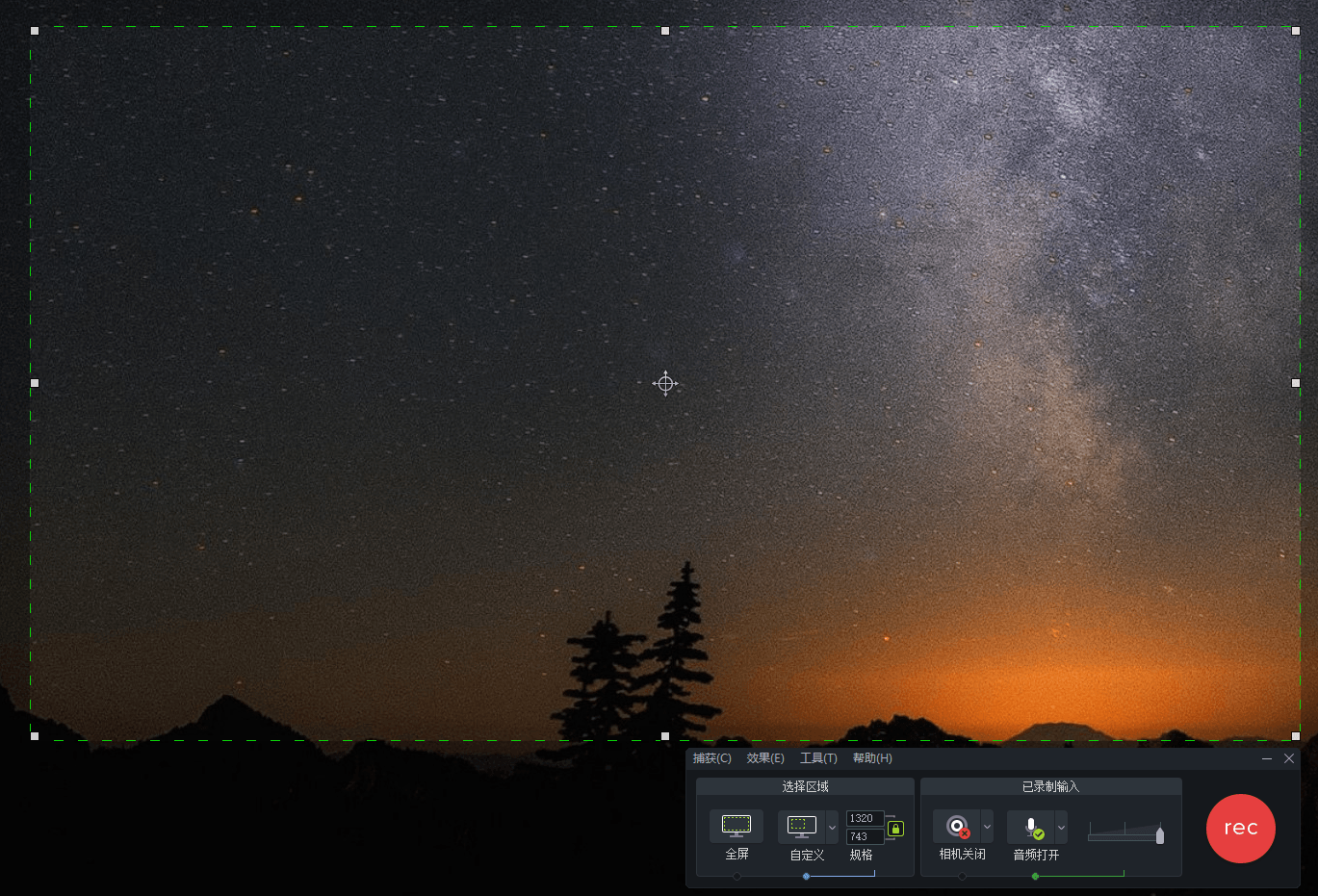
新版变化
Camtasia Windows Version History – TechSmith Support
https://www.techsmith.com/camtasia-version-history.html
2026.11.10 v2027.0.0
– 文字标注框支持彩色表情,做教程更生动。
– 轨道高度拉到低位时,调节精细度更高。
– 底层升级到 .NET 10,部署更方便。
– 更新加密库,相关 DLL 加入版本标记。
– 修好了高对比度主题下安装界面文字看不见的毛病。
TechSmith Camtasia 2026 主要更新:
1. AI功能强化:新增AI语音增强(智能优化人声清晰度)、AI背景替换、AI音频自动分级。
2. 编辑效率升级:多轨道图层联动锁定、关键帧批量粘贴属性、时间线片段磁吸吸附灵敏度自定义。
3. 特效渲染优化:新增光线追踪粒子特效库、HDR色彩空间导出支持、渲染队列后台并行处理。
4. 平台协作增强:团队项目云同步冲突解决机制、审阅批注时间戳定位、第三方插件API开放。
5. 性能资源扩展:启动速度提升,内置800+动态透明PNG素材库,4K工程实时预览内存占用降低。
系统要求
2027启动需要依赖NET10 + ASP.NET Core Runtime
.NET Framework 4.7.2 及更高版, Win10及更高版64位
Camtasia2026-2020:Microsoft Edge WebView2 Runtime
Camtasia2019-2018:支持Windows 7 及更高版64位的最终版
CamtasiaStudio8.6.0:Windows XP 及更高版32/64位的最终版
(function () {
var script = document.currentScript;
var root = script && script.parentNode;
if (!root) return;
// UEditor preserves div/h6 and class attributes; normalize only marked blocks.
Array.prototype.forEach.call(root.querySelectorAll(‘div.x6d-accordion’), function (source) {
var heading = source.firstElementChild;
if (!heading || heading.tagName !== ‘H6’) return;
var details = document.createElement(‘details’);
details.className = source.className;
var summary = document.createElement(‘summary’);
while (heading.firstChild) summary.appendChild(heading.firstChild);
source.removeChild(heading);
details.appendChild(summary);
while (source.firstChild) details.appendChild(source.firstChild);
source.parentNode.replaceChild(details, source);
});
var items = root.querySelectorAll(‘details.x6d-accordion’);
Array.prototype.forEach.call(items, function (item) {
var title = item.querySelector(‘summary’);
var panel = title && title.nextElementSibling;
if (!title || !panel || !panel.classList.contains(‘x6d-accordion-panel’)) return;
var expanded = false;
var timer;
item.removeAttribute(‘open’);
item.removeAttribute(‘name’);
title.setAttribute(‘aria-expanded’, ‘false’);
var icon = document.createElement(‘i’);
icon.className = ‘fa fa-chevron-down’;
icon.setAttribute(‘aria-hidden’, ‘true’);
title.appendChild(icon);
function finishTransition() {
clearTimeout(timer);
if (expanded) {
panel.style.maxHeight = ‘none’;
} else {
panel.style.maxHeight = ‘0px’;
item.open = false;
}
}
panel.addEventListener(‘transitionend’, function (event) {
if (event.target === panel && event.propertyName === ‘max-height’) finishTransition();
});
title.addEventListener(‘click’, function (event) {
event.preventDefault();
clearTimeout(timer);
// Freeze the rendered height before reversing or starting a transition.
// Disabling transitions for this measurement avoids a stale start frame.
var height = item.open ? panel.getBoundingClientRect().height : 0;
expanded = !expanded;
title.setAttribute(‘aria-expanded’, String(expanded));
icon.className = ‘fa ‘ + (expanded ? ‘fa-chevron-up’ : ‘fa-chevron-down’);
panel.style.transition = ‘none’;
panel.style.maxHeight = height + ‘px’;
item.open = true;
void panel.offsetHeight;
panel.style.transition = ”;
panel.style.maxHeight = expanded ? panel.scrollHeight + ‘px’ : ‘0px’;
// Normal completion uses transitionend, not a timer racing the last frame.
// The fallback handles background tabs and a zero-distance transition.
timer = setTimeout(finishTransition, 400);
});
});
}());
下载地址
-
免费下载或者VIP会员资源能否直接商用?本站所有资源版权均属于原作者所有,这里所提供资源均只能用于参考学习用,请勿直接商用。若由于商用引起版权纠纷,一切责任均由使用者承担。
-
提示下载完但解压或打开不了?1.最常见的情况是下载不完整:可对比下载完压缩包的与网盘上的容量,若小于网盘提示的容量则是这个原因。这是浏览器下载的bug,建议用百度网盘软件或迅雷下载。 2.解压失败:密码输入错误,请手动输入密码;不可在手机上解压,请务必使用pc端进行解压操作。 3.一般默认为“XDGAME”或“WWW.XDGAME.COM”纯大写字母 可直接复制使用 若排除上述情况,可在对应资源底部留言,或在“个人中心”中发起工单。
-
找不到素材资源介绍文章里的示例图片?对于会员专享、整站源码、程序插件、网站模板、网页模版等类型的素材,文章内用于介绍的图片通常并不包含在对应可供下载素材包内。这些相关商业图片需另外购买,且本站不负责(也没有办法)找到出处。 同样地一些字体文件也是这种情况,但部分素材会在素材包内有一份字体下载链接清单。
-
付款后无法显示下载地址或者无法查看内容?如果您已经成功付款但是网站没有弹出成功提示,请联系站长(doubaiwang@126.com)提供付款信息为您处理,或在“个人中心”中发起工单。
-
购买该资源后,可以退款吗?源码素材属于虚拟商品,具有可复制性,可传播性,一旦授予,不接受任何形式的退款、换货要求。请您在购买获取之前确认好是您所需要的资源。
评论(0)